hexo
发表文章
hexo new "name"这篇文章会出现在/source/_post/
发表page
hexo page "name"修改完毕之后在本地查看效果
hexo clean
hexo generate
hexo cl && hexo g
hexo serve
上传
hexo d需要输入ssh密码
双主题架构
分支说明
本项目采用双主题架构,通过不同分支管理不同主题的源文件:
| 分支 | 主题 | 说明 |
|---|---|---|
| main | - | 部署分支(生成的静态网页) |
| fluid | Fluid | 当前使用的主主题 |
| butterfly | Butterfly | 备用主题 |
| sync | - | 多设备同步分支 |
主题切换步骤
切换到 Butterfly 主题:
# 1. 切换到 butterfly 分支
git checkout butterfly

# 2. 修改 _config.yml 中的主题配置
# theme: butterfly

# 3. 重新生成并部署
hexo clean
hexo generate
hexo deploy
切换到 Fluid 主题:
# 1. 切换到 fluid 分支
git checkout fluid

# 2. 修改 _config.yml 中的主题配置
# theme: fluid

# 3. 重新生成并部署
hexo clean
hexo generate
hexo deploy
主题配置文件
- Fluid 主题配置:
_config.fluid.yml - Butterfly 主题配置:
_config.butterfly.yml - 主题文件位置:
themes/fluid/和themes/butterfly/
美化
彩色标签云
在config.yal中将aside中的card_tags的enable设置为true即可
用giscus实现评论
待整理实现鼠标彩色
待整理社交信息
social:
  fab fa-github:  "填入github主页"|| Github || '#24292e'
  fas fa-envelope:  mailto:"邮箱" || Email || '#4a7dbe'
  fab fa-qq: fab fa-qq: tencent://AddContact/?fromId=45&fromSubId=1&subcmd=all&uin="QQ号👌"&website=www.oicqzone.com || QQ || '#qq-color-code'
背景图片and渐变
⚠️:先在config.butterfly.yaml中将backgroud设一个图片 url()
网上都没有这一步
但我试了好多次,只加个css不出现图片,不知道为什么
background:  url(https://picx.zhimg.com/80/v2-7ee6f104979814d2bf420461e3872475_1440w.webp?source=1def8aca)
写css
然后inject
代码高亮
写css
然后inject
目前还不会的
2024.1.11
- [ ]
giscus不会将评论顺序默认改成最新的 - [ ] 最新留言or评论不会弄到右边
- [x] 将评论在某些page不显示
- [x] 文章背景虚化 2024.1.22完成
待做
- [ ]
about完善
图床
用picgo app:
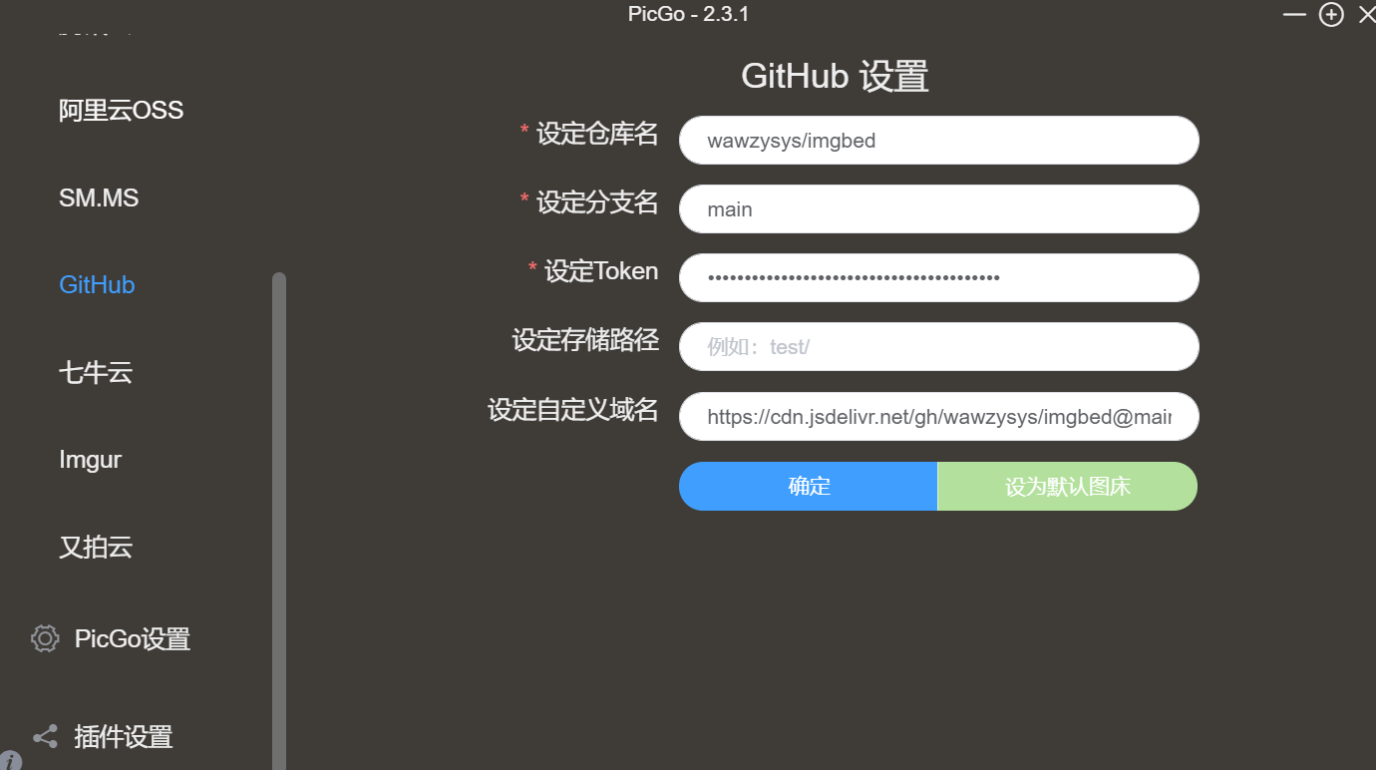
从粘贴板上传图片快捷键:ctrl+shift+p
用vscode + markdowm + picgo(插件)
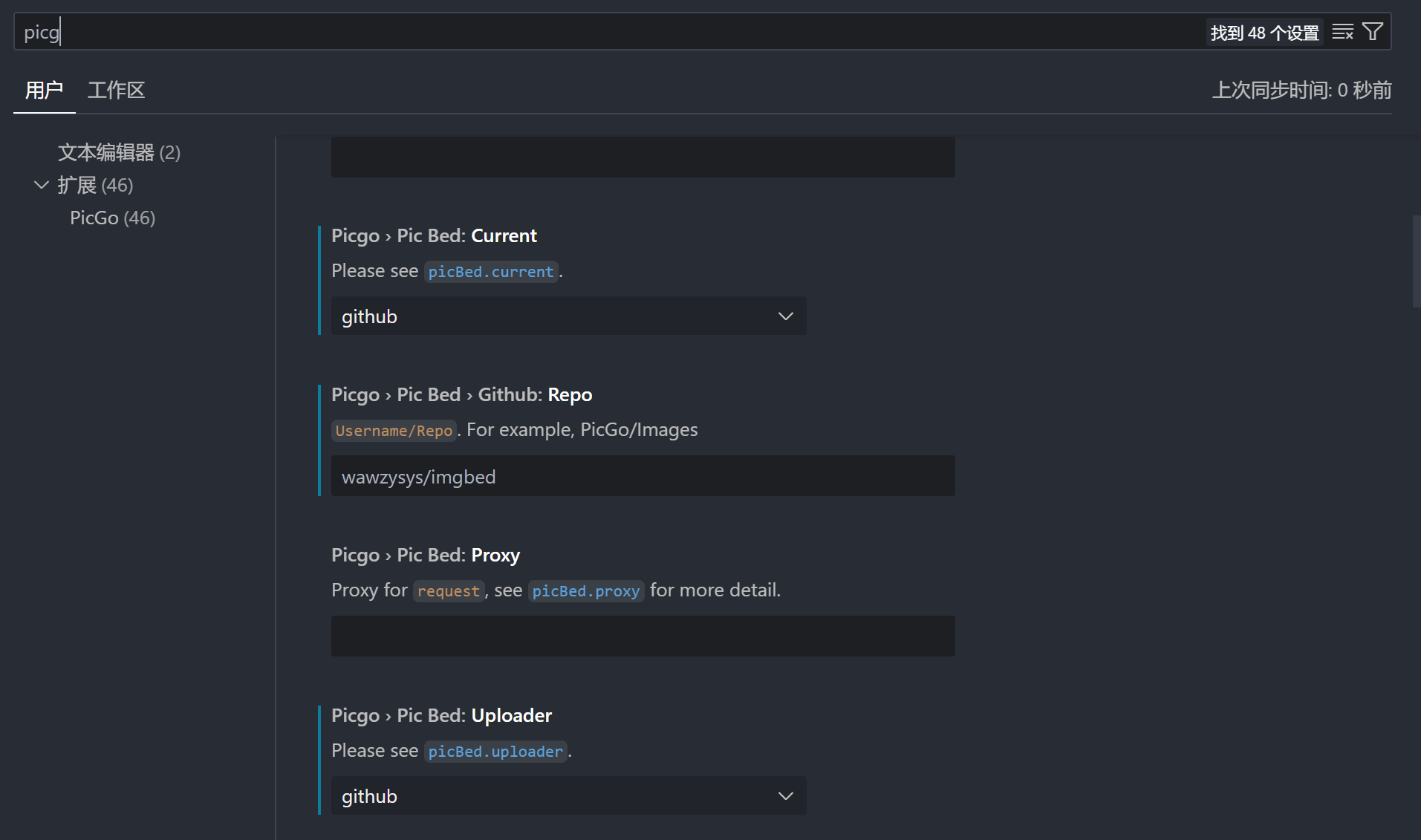
cdn加速

从粘贴板上传图片快捷键:artl+shift+u
Typora
文件->偏好设置->图像

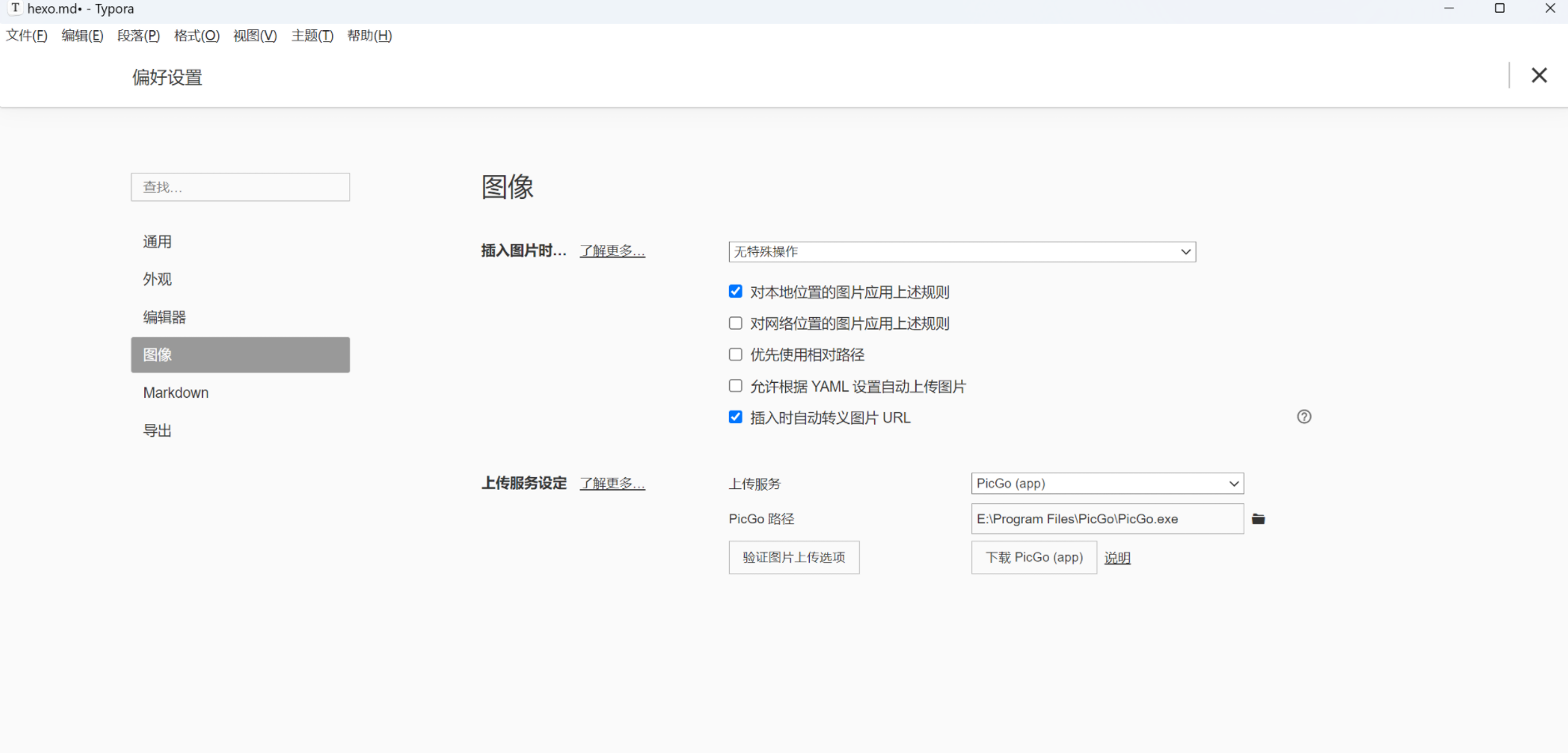
点击验证图片上传选项查看是否配置好
git 子仓库:
cd themes/butterfly
git add .
git commit -m "update"
cd ../../
git add themes/butterfly
git commit -m "update"
git push origin hexo
将ssh代理改为https
temp 可以单独将public上传到github仓库,不用hexo d
temp副标题
在’_config.yaml’里面更改
title: asdaso的blog
subtitle:
  enable: true

  sub:
    - 何其荣幸 何德何能
    - 所有的不平凡都来自平凡
description: 'cs'
keywords:
author: asdaso
language: zh-CN
timezone: ''
封面不显示正文
method选择1表示显示介绍
index_post_content:
  method: 1  #description
length: 500 # if you set method to 2 or 3, the length need to confighexo
http://example.com/post/ab21860c.html